How to play
- Choose English if needed and use Quick start or a sign-in option shown at the entrance.
- Select Hong Kong Mahjong and the beginner table, check its conditions, then start matching. Other available rules and modes are shown in the game.
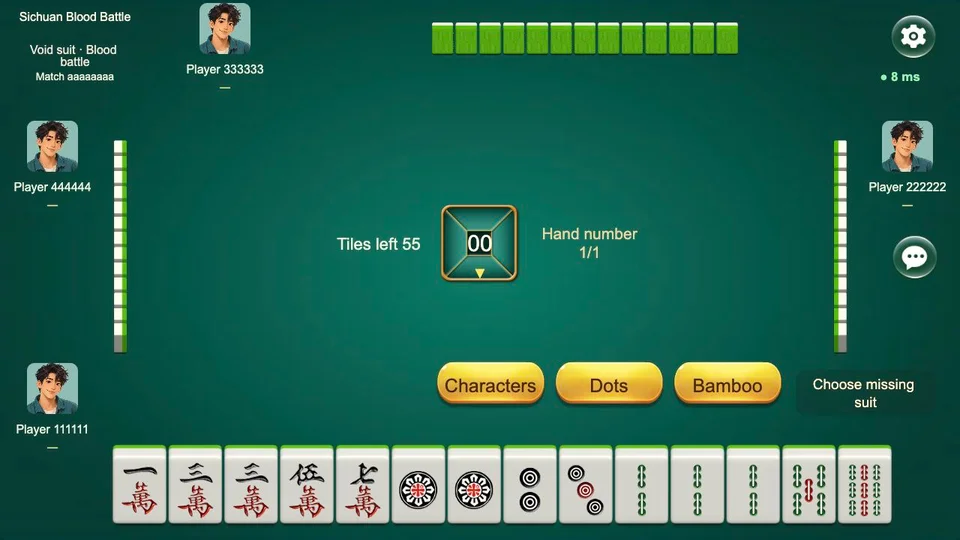
- When it is your turn, drag a tile to discard and use the action buttons for legal calls. If autoplay is active, use Resume play to take control.
Use the mouse or touch the on-screen tiles and action buttons. Read the selected ruleset’s guide for calls, winning conditions and scoring.
Who is it for?
Players looking for online table Mahjong. Start with Hong Kong beginner play; consult the chosen ruleset’s guide when you need it.
Accounts and saved progress
Online identity, records and reconnect behavior belong to the Play service. Available sign-in methods and access are shown at the game entrance; they are separate from the three single-player games’ browser saves.
Devices and connection
A modern browser and an ongoing internet connection. This first playtest is verified on desktop; use a computer for the current test. Sign-in, table and room availability are shown by the live service.
Questions about this game
How does Quick Match work?
Enter without arranging a group in advance. Computer players can fill empty seats. Matching time varies, and a table is not guaranteed to contain four human players.
Which rules and entry conditions should I choose first?
For this playtest, choose Hong Kong Mahjong and the beginner table. It currently shows 50 in-game coins per game, a three-fan minimum and timed turns. Check the live table conditions before entering.
Is this Mahjong solitaire?
This is four-seat table Mahjong with draws, discards, calls and a legal winning hand. Bloom is a separate tile-clearing puzzle, and Quexu is a separate sequence-building solitaire.
Can I play with friends?
The game has a private-room entrance. Available rules, room length and resource requirements are shown there. Friend-room play is separate from Quick Match.